
This document is the user manual for CASIO watch 3135 MO0802-CkA, which includes the functions and usage precautions of the watch.
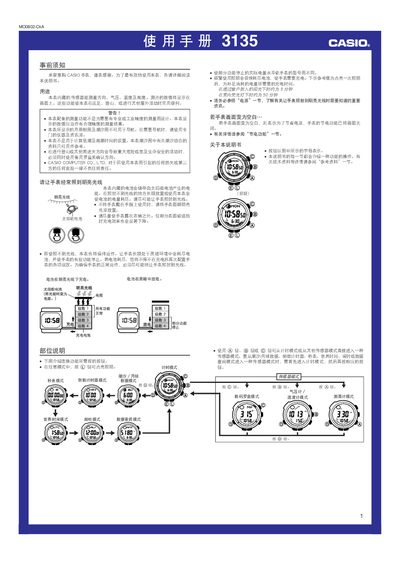
This manual provides instructions for the CASIO 3135MO0802-CkA watch, which features built-in sensors for measuring direction, atmospheric pressure, temperature, and altitude. It details how to use these functions for outdoor activities such as hiking and climbing, while noting that the data is for reference only and not for professional navigation or precise industrial measurement.
The guide covers essential setup procedures, including how to set the time, date, and local city code, as well as configuring Daylight Saving Time. It also explains the operation of various modes such as the stopwatch, countdown timer, world time, and alarm, along with instructions for using the backlight and managing the solar-powered battery. This manual is written in Chinese.
| Measurement Accuracy (Compass) | ± 11 degrees |
|---|---|
| Compass Update Duration | Up to 20 seconds |
| Power Source | Solar battery |
No, the manual states that the displayed lunar phase and tidal charts cannot be used for navigation and a dedicated instrument should be used.
The measurement updates every second for a maximum duration of 20 seconds before stopping automatically.
The screen turns off to save power; the watch will resume operation once the power-saving function is deactivated or the screen is activated.