
Key facts
- Brand
- Canon
- Model
- G10
- Documents
- 2
- Languages
- ZH · JA
- Last added
- 2012-03-20
Start here
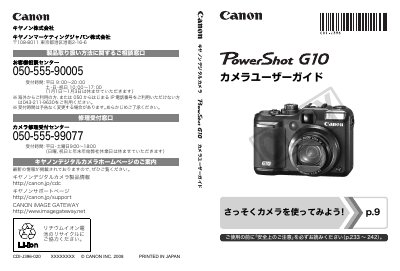
Canon PowerShot G10 User Manual
The guide covers everything from safety precautions and included accessories to basic operation such as taking still photos, viewing images, printing, and recording video. It also explains how to transfer files to a computer, use the LCD display, and customize menu settings.
Advanced sections describe image settings like resolution, compression, ISO, and hand‑shake reduction, as well as flash usage, macro shooting, self‑timer, and how to connect the camera to a TV or external accessories. The appendix provides maintenance tips, accessory usage, and the main specifications of the camera. This manual is written in Japanese.
Canon G10 specifications
| Sensor type | 1/3" CMOS |
|---|---|
| Effective pixels | ≈2.07 million (1920×1080) |
| Wide‑angle focal length | 30.4 mm (35 mm equivalent) |
| Minimum object distance | 60 cm |
Source: Canon LEGRIA HF G10 User Manual
All Canon G10 documents by type
Day-to-day operation, settings and troubleshooting. Start here if the product is already set up.
Questions answered in these manuals
What safety precautions should I follow when using the camcorder?
Do not open the housing or back cover, keep the device away from rain or moisture, use only recommended accessories, and unplug the power plug when the camcorder is not in use.
How can I record continuously without interruption?
Enable the automatic continue recording feature and use the dual‑card slots to record to two memory cards simultaneously.
Where can I find the safety precautions?
Safety precautions are listed on pages 233 to 242 of the manual.
How can I connect the camera to a TV?
You can connect the camera to a TV using the AV cable as described in the manual.