
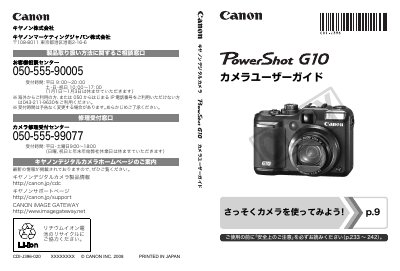
Canon PowerShot G10 User Manual


Canon PowerShot G10 User Manual - cover page
Brand
Canon
Category
Other Electronics
Document type
User Manual
Language
Japanese
Pages
292
File format
PDF
File size
8.5 MB
Updated
29 September, 2023
MD5 checksum
F2856F4835A287EC2F7B9F072F504064

About this manual

The guide covers everything from safety precautions and included accessories to basic operation such as taking still photos, viewing images, printing, and recording video. It also explains how to transfer files to a computer, use the LCD display, and customize menu settings.

Advanced sections describe image settings like resolution, compression, ISO, and hand‑shake reduction, as well as flash usage, macro shooting, self‑timer, and how to connect the camera to a TV or external accessories. The appendix provides maintenance tips, accessory usage, and the main specifications of the camera. This manual is written in Japanese.

What's inside

  • Safety Precautions
  • Included Accessories
  • Basic Still‑Photo Shooting
  • Video Recording and Playback
  • Image Settings (Resolution, Compression, ISO)
  • Flash and Strobe Settings
  • Custom Functions and Menu Settings
  • Connecting to TV and Computer
  • Maintenance and Accessories

Frequently asked questions

Where can I find the safety precautions?

Safety precautions are listed on pages 233 to 242 of the manual.

How can I connect the camera to a TV?

You can connect the camera to a TV using the AV cable as described in the manual.

Download PDF (8.5 MB)

More Canon Manuals


View all Canon manuals →