
Yamaha PDM-1 High Definition Plasma Monitor Operating Instructions

PDM-1 is the user manual for high definition plasma monitor
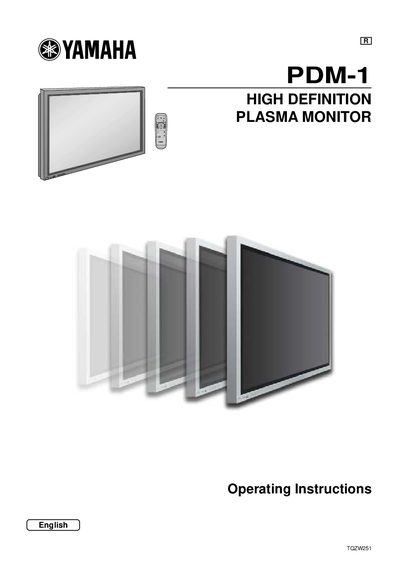

Yamaha PDM-1 High Definition Plasma Monitor Operating Instructions - cover page
Brand
Yamaha
Document type
User Manual
Language
English
Pages
40
File format
PDF
File size
882 KB
Published
11 June, 2012
Updated
30 September, 2023
Model
PDM-1
MD5 checksum
14F8B4A0DF559A59FC9AA60B2E3B9854

About this manual

This document provides operating instructions for the Yamaha PDM-1 High Definition Plasma Monitor. It details how to connect the unit using various input methods such as Component/RGB, PC, and Serial terminals. The guide also explains basic controls including power on/off, input signal selection, and language settings.

What's inside

  • Important Safety Notice
  • Safety Precautions
  • Accessories Supply
  • Remote Control Batteries
  • Connections
  • Basic Controls
  • Picture Adjustments
  • Sound Adjustment
  • Setup for Input Signals
  • Specifications

Specifications

Dimensions (WxHxD)1,210 mm x 724 mm x 98 mm
Mass (Weight)approx. 43.0 kg net

Frequently asked questions

What batteries are required for the remote control?

The remote control requires two R6 size batteries.

Can I use other optional accessories with this plasma display?

No, the display is designed for use only with specific optional accessories like Pedestal PDS-150 or Wall Mounting Unit PWK-150.

Download PDF (882 KB)

More Yamaha Manuals


View all Yamaha manuals →