
This document is the operating instructions for the U PDM-1 High Definition Plasma Monitor, providing detailed user guidance and safety warnings. The product features high-definition picture quality, multiple input options, and sound settings.
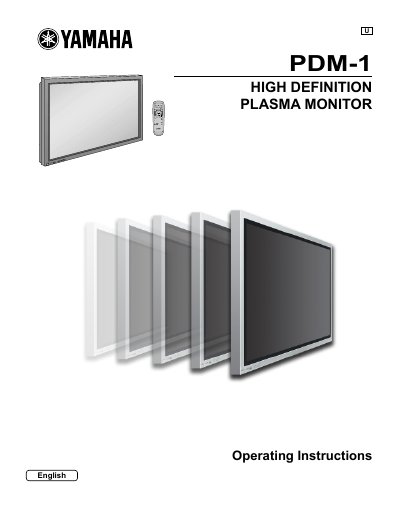
This document provides operating instructions for the Yamaha PDM-1 High Definition Plasma Monitor. It includes important safety warnings regarding electric shock and ventilation, as well as a list of supplied and optional accessories. The guide details how to connect the monitor to various input sources such as Component/RGB, PC, and Serial terminals.
The manual covers the operation of basic controls, including power on/off and input signal selection via the remote control. It provides step-by-step instructions for adjusting the on-screen menu, picture position and size, sound settings, and advanced features like the 3D Y/C filter and screensaver setup. A troubleshooting section and technical specifications are also included.
| Power Supply | 120 V AC, 50/60 Hz |
|---|
Do not allow a still picture to be displayed for an extended period, as this can cause a permanent after-image to remain on the plasma display.
If the plug is not fully inserted, heat may be generated which could cause fire.