
Key facts
- Brand
- Yamaha
- Model
- R-90
- Category
- Other Electronics
- Documents
- 5
- Languages
- EN
- Last added
- 2012-07-03
Start here
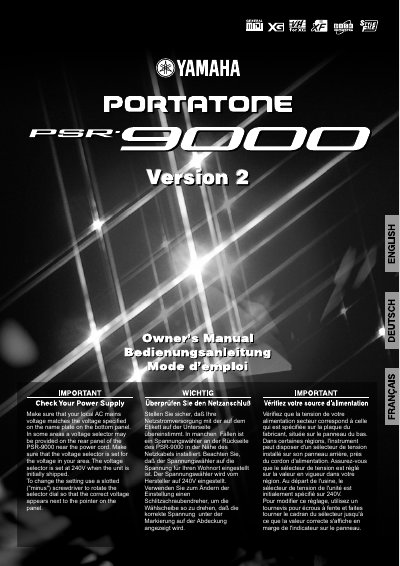
Yamaha PSR-9000 Keyboard User Manual
This document serves as the official user manual for the Yamaha PSR-9000 electronic keyboard. It begins with critical safety warnings regarding electrical shock, fire hazards, and proper ventilation to ensure safe operation.
The guide provides detailed instructions on verifying local AC mains voltage and adjusting the unit's internal voltage selector if necessary. It also outlines environmental considerations, battery disposal notices, and warranty limitations related to unauthorized modifications.
Yamaha R-90 specifications
| Impedance Matching | 8 ohms |
|---|---|
| Power Supply (Switched) | 200 W |
| Voltage Range | 110/120/220/240 V AC, 50/60 Hz |
All Yamaha R-90 documents by type
Day-to-day operation, settings and troubleshooting. Start here if the product is already set up.
Questions answered in these manuals
What should I do before plugging in the receiver?
Set the voltage selector switch on the rear panel for your local mains voltage.
How should I connect speaker wires?
Connect left speakers to L terminals and right speakers to R terminals, observing + and - markings.
What should I do if the unit becomes too hot?
Wait for the unit to cool down, as a thermal protector will cut off the power if the temperature becomes too high.
How long does the back-up power supply keep presets?
It keeps the preset stations memorized for one week if power fails or the set is unplugged.
What is the default voltage setting for the PSR-9000?
The voltage selector is set at 240V when the unit is initially shipped.
What tool is needed to change the voltage setting?
A slotted (minus) screwdriver is required to rotate the selector dial.