
Key facts
- Brand
- SONY
- Model
- W995
- Category
- Smartphones
- Industry
- Electronics
- Documents
- 2
- Languages
- EN
- Last added
- 2012-05-11
Start here
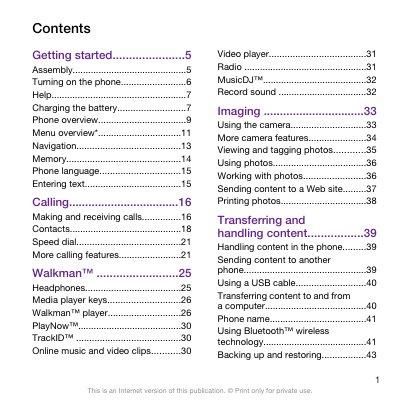
Sony Ericsson W995 User Manual
This manual covers everything you need to get started with the Sony Ericsson W995, including inserting the SIM card and battery, turning the phone on, and selecting language settings. It also explains how to use core functions such as making calls, sending messages, and managing contacts.
Additional sections describe multimedia features like Walkman music playback, video and photo handling, as well as connectivity options such as Bluetooth, Wi‑Fi and USB transfer. The guide also includes troubleshooting tips, safety information, and references to online support resources.
All SONY W995 documents by type
Day-to-day operation, settings and troubleshooting. Start here if the product is already set up.
Questions answered in these manuals
How do I turn on the Sony Ericsson W995?
Press and hold down the power key (marked @) to turn on the phone.
How do I insert the SIM card into the W995?
Unlock the battery cover, remove it, then slide the SIM card into its holder with the gold‑coloured contacts facing down.