
Key facts
- Brand
- SONY
- Model
- K810i
- Category
- Cell Phones
- Documents
- 2
- Languages
- EN
- Last added
- 2012-05-11
Start here
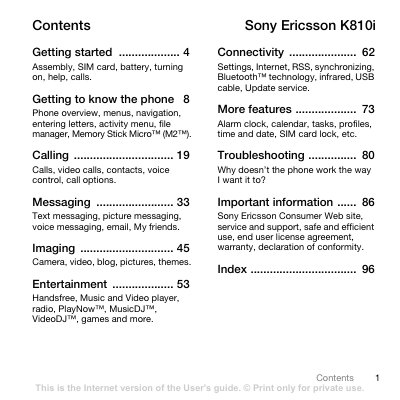
Sony Ericsson K810i User Manual
This guide walks you through the initial setup of the K810i, including inserting the SIM card and battery, turning the phone on, and using the setup wizard. It also explains how to make and receive calls, send messages, and manage contacts.
Later sections cover the phone’s multimedia capabilities such as the camera, video, music and video players, as well as connectivity options like Bluetooth, infrared, USB and the Settings download feature. Troubleshooting tips and safety information are provided at the end of the manual.
SONY K810i specifications
| Battery type | Sony Ericsson 89 Battery |
|---|---|
| Memory card | Memory Stick Micro (M2) |
| Network bands | UMTS 2100, GSM 900/1800/1900 |
| Bluetooth | Bluetooth™ technology |
Source: Sony Ericsson K810i User Manual
All SONY K810i documents by type
Day-to-day operation, settings and troubleshooting. Start here if the product is already set up.
Questions answered in these manuals
How do I insert the SIM card and battery?
Remove the battery cover, slide the SIM card in with contacts down, then insert the battery with the label side up and replace the cover.
How long does it take to fully charge the battery?
It takes about 2.5 hours until the battery icon shows a full charge.
How do I insert the SIM card and battery?
Remove the battery cover, slide the SIM card into its holder with the contacts facing down, insert the battery with the label side up, then slide the battery cover back into place.
How long does it take to fully charge the battery?
It takes about 2.5 hours, or until the battery icon indicates a full charge.