
This is an operation manual that describes the functions and uses of the UX-340LM.
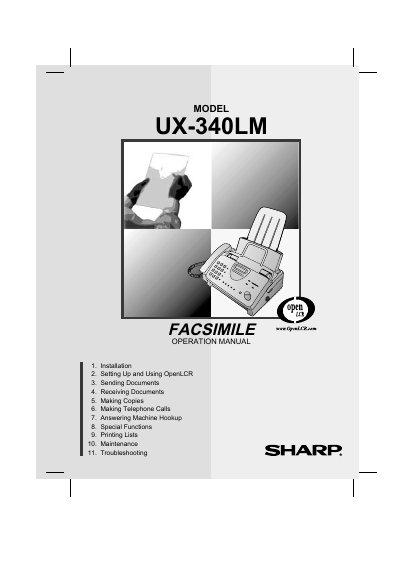
This manual provides instructions for the Sharp UX-340LM facsimile machine. It covers initial setup, including unpacking, connecting the power and telephone lines, and loading the imaging film and printing paper. The guide also details how to enter user information and set the date and time.
| Memory size | 476 KB |
|---|---|
| Modem speed | 14,400 bps |
| Resolution (Horizontal) | 203 pels/inch |
| Resolution (Vertical) | 391 lines/inch |
| Paper tray capacity | 60 sheets |
| Power requirements | 120 V AC, 60 Hz |
| Power consumption (Standby) | 4.0 W |
| Power consumption (Maximum) | 100 W |
| Operating temperature | 41 - 95°F |
| Weight | 7.7 lbs. |
The machine can make up to 99 copies per page.
No, the machine is not compatible with digital telephone systems.
The initial starter roll is 32 ft. (10 m) long.