
Trilingual operation manual for the Sharp EL-344R 10-digit solar electronic calculator, covering basic operations, metric conversion, fraction conversion…
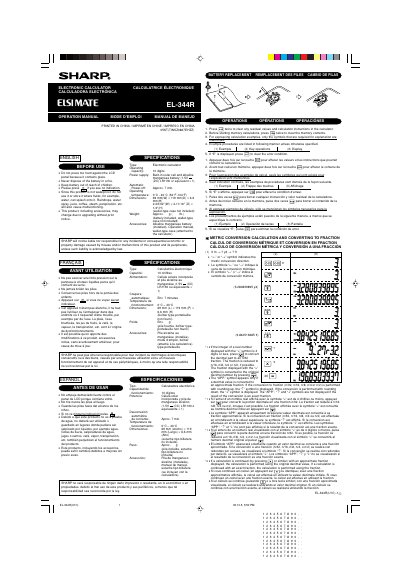
This is the operation manual for the Sharp EL-344R electronic calculator, printed in English, French and Spanish. It explains how to use the calculator before and during operation, including clearing residual values and memory contents, following example procedures, and clearing an error condition when "E" is displayed.
The manual also describes the calculator's metric conversion and fraction conversion functions, explains the display symbols used for approximate fractions and rounding, lists the specifications such as the 10-digit operating capacity and solar cell with alkaline manganese battery power supply, and gives battery replacement instructions.
| Type | Electronic calculator |
|---|---|
| Operating capacity | 10 digits |
| Power supply | Built-in solar cell and alkaline manganese battery (1.5V DC, LR1130 or equivalent × 1) |
| Automatic power-off | Approx. 7 min. |
| Operating temperature | 0°C - 40°C (32°F-104°F) |
| Dimensions | 69 mm (W) × 119 mm (D) × 6.6 mm (H) |
| Weight | Approx. 63 g (0.14 lb.) |
| Accessories | Alkaline manganese battery (installed), operation manual, wallet-type case |
Press the indicated key if you see no indication on the display.
If "E" is displayed, press the clear key to clear the error condition.
Before starting memory calculations, press the clear key twice to clear the memory contents.
If the integer of a displayed real number is 4 digits or less, you can convert the decimal part to an n/32 fraction, which is reduced to n/16, n/8, n/4 or n/2 if possible. The "APP." symbol appears only when the value is converted to an approximate fraction.