
Key facts
- Brand
- Sharp
- Model
- CDBA250
- Category
- Hi-Fi
- Industry
- Appliances
- Documents
- 2
- Languages
- EN
- Last added
- 2012-08-03
Start here
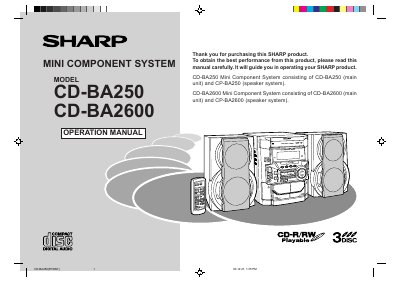
Sharp CD-BA250/CD-BA2600 Mini Component System Operation Manual
This manual provides instructions for operating the Sharp CD-BA250 and CD-BA2600 Mini Component Systems. The document covers safety precautions, system connections, and basic operations including CD playback, radio listening, and cassette tape recording and playback. It also details advanced features such as programmed play, timer operations, and system enhancements.
Read onlineSharp CDBA250 specifications
| Power Supply | AC 120 V, 60 Hz |
|---|---|
| Remote Control Battery | 2 "AA" size batteries |
| Disc Tray Capacity | 3 discs |
Source: Sharp CD-BA250/CD-BA2600 Minicomponent System Quick Guide
All Sharp CDBA250 documents by type
Day-to-day operation, settings and troubleshooting. Start here if the product is already set up.
Questions answered in these manuals
How do I cancel the demonstration mode?
Press the X-BASS/DEMO button to cancel the demonstration mode.
From: Sharp CD-BA250/CD-BA2600 Minicomponent System Quick Guide
How do I tune to a station automatically?
Press the TUNING/TIME button for more than 0.5 seconds to start scanning.
From: Sharp CD-BA250/CD-BA2600 Minicomponent System Quick Guide
What is the minimum free space required around the unit for ventilation?
You must ensure there is at least 4 inches (10 cm) of free space along the sides, top, and back of the unit.
From: Sharp CD-BA250/CD-BA2600 Mini Component System Operation Manual
What is the operating temperature range for this system?
The unit should only be used within a temperature range of 41°F to 95°F (5°C to 35°C).
From: Sharp CD-BA250/CD-BA2600 Mini Component System Operation Manual