
This manual describes general information and copier operation of the AR-M351U/AR-M451U/AR-M351N/AR-M451N/AR-M351NT/AR-M451NT machines, including safety, paper loading, paper jam removal and regular maintenance.
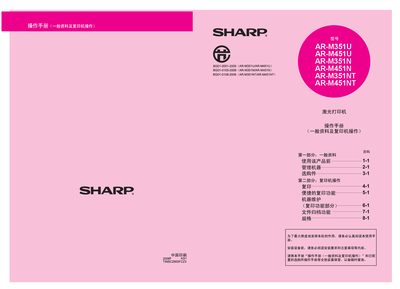
This manual covers the operation of Sharp's AR-M series laser printers, including basic usage, copying functions, file‑archiving, and network features. It also provides guidance for installing optional components such as fax and network scanning modules.
Safety precautions, power requirements, and environmental considerations are detailed, along with maintenance steps, troubleshooting tips, and an index for quick reference to specific functions and settings. This manual is written in Chinese.
| Backup Battery Type | Lithium backup battery |
|---|
Unplug the power plug to fully disconnect the printer from the power source.
The fax function requires installation of the fax expansion component.