
Sharp AJ5030 Interface Software User Manual

This manual introduces how to use SHARP Desktop software for scanning and image processing.
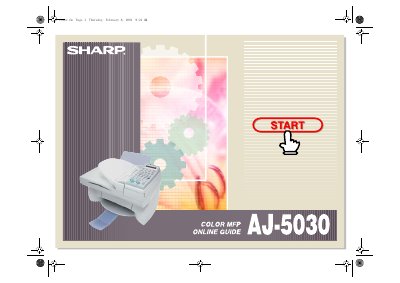

Sharp AJ5030 Interface Software User Manual - cover page
Brand
Sharp
Category
Other Electronics
Document type
User Manual
Language
English
Pages
148
File format
PDF
File size
5.9 MB
Published
02 August, 2012
Updated
01 October, 2023
Model
AJ-5030
MD5 checksum
B684FCA53B9753DDEC7B81A817E767B8

About this manual

The Sharp AJ5030 software suite consists of two main components: the SHARP AJ5030 Control Panel and the SHARP AJ5030 Desktop. The Control Panel allows users to program auto-dial numbers for e-mail and fax, as well as change and align print cartridges on the Sharp Color MFP unit. The SHARP AJ5030 Desktop serves as a centralized base for managing and manipulating documents coming from or going to the Color MFP unit.

What's inside

  • Introduction
  • Main Features
  • Launching the Software
  • Scanning
  • Working with Imaging Files
  • Printing
  • Using the SHARP Control Panel
  • E-Mailing Documents
  • Image Enhancing Tools
  • Index

Frequently asked questions

What is the Sharp AJ5030 software?

The software consists of the SHARP AJ5030 Control Panel and the SHARP AJ5030 Desktop.

What is the purpose of the SHARP Desktop?

It serves as a centralized base for managing and manipulating documents coming from or going to the Color MFP unit.

Download PDF (5.9 MB)

More Sharp Manuals


View all Sharp manuals →