
This document is the owner's manual for the PLC-XF31/XF31NL multimedia projector. The manual provides detailed operating instructions and maintenance guidelines, including product features, safety precautions, and troubleshooting. The projector offers many convenient features, and proper operation and maintenance can prolong its lifespan and prevent malfunctions.
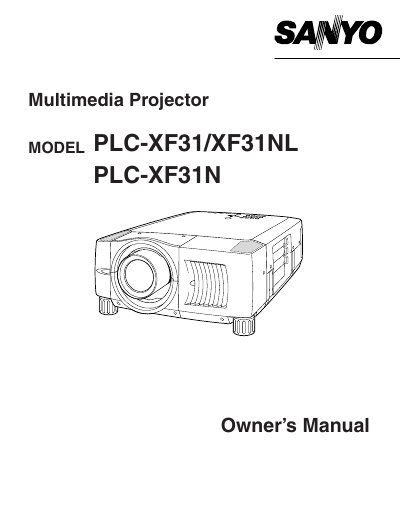
This Owner's Manual covers the Sanyo PLC-XF31, PLC-XF31NL, and PLC-XF31N multimedia projectors. It includes safety precautions, features, and design details to ensure proper operation and longevity of the device. The guide explains how to set up the projector, connect various input sources like computers and video equipment, and adjust picture settings for optimal display quality.
| Product Type | Multimedia Projector |
|---|---|
| Compatible Computer | PC |
Read the manual again, check operations and cable connections, and try the solutions in the 'Trouble-shooting' section.
No, do not remove the cover as there are no user-serviceable parts inside except for the lamp replacement.
Eye damage could result, so do not stare directly into the lens.