
SANYO PLC-XF31/XF31NL/XF31N user manual(1)


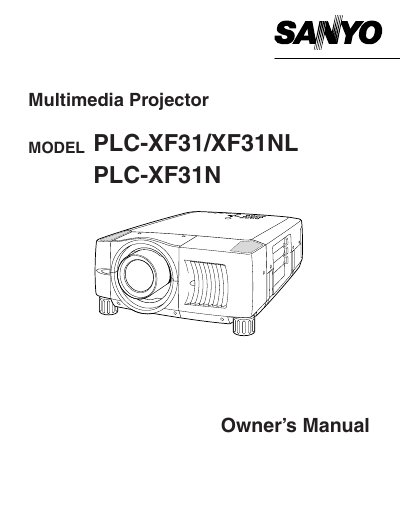
SANYO PLC-XF31/XF31NL/XF31N user manual(1) - cover page
Brand
Sanyo
Category
Projector
Document type
User Manual
Language
English
Pages
52
File format
PDF
File size
1.2 MB
Published
03 August, 2012
Updated
27 August, 2012
MD5 checksum
DE64AFA59158319C9E66D22999B1B078

About this manual

The document serves as a comprehensive guide for users of the Sanyo PLC-XF31, PLC-XF31NL, and PLC-XF31N multimedia projectors. It covers essential safety precautions, including warnings about intense light from the lens and ventilation requirements to prevent overheating. The manual details how to install the lamp, connect power cords for various regions (US/Canada, UK), and position the projector correctly.

What's inside

  • Safety Precautions
  • Features and Design
  • Preparing the Projector
  • Connecting AC Power Cord
  • Lens Installation
  • Positioning Projector
  • Operating Remote Control
  • On-Screen Menu Operation
  • Maintenance
  • Troubleshooting

Specifications

Product TypeMultimedia Projector
Document ClassClass A digital device

Frequently asked questions

What should I do if the projector seems to operate improperly?

Read the manual again, check operations and cable connections, try solutions in the 'Trouble-shooting' section, or contact the sales dealer.

Can I open the cover or back of the projector myself?

No. Do not remove the cover as there are no user-serviceable parts inside except for lamp replacement.

What happens if I stare directly into the projection lens?

Eye damage could result. Be especially careful that children do not stare directly into the beam.

Download PDF (1.2 MB)

More Sanyo Manuals


View all Sanyo manuals →