
This document is the owner's manual for the PLC-XP40L and PLC-XP45L multimedia projectors. The manual includes the features and functions of the projectors, as well as important instructions for operation and maintenance. It also provides troubleshooting solutions. Additionally, the manual emphasizes safety precautions for using the projectors, such as not removing the cover, not exposing it to rain or moisture, and warning about the intense light produced by the projection lens.
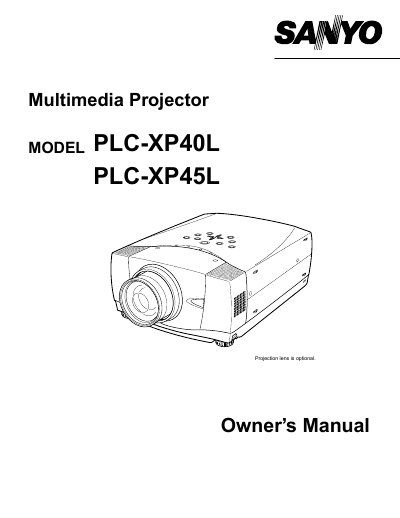
This document serves as the Owner's Manual for the Sanyo PLC-XP40L and PLC-XP45L multimedia projectors. It covers essential safety precautions, including warnings about intense light from the projection lens and proper ventilation requirements to prevent overheating. The guide details the features and design of the projector, explaining how to identify various parts and indicators.
You must unplug the projector from the AC power supply before cleaning it.
The LASER button must be pressed for 1 minute.