
Sanyo PLC-XP40L/PLC-XP45L Multimedia Projector Owner's Manual

This document is the owner's manual for the PLC-XP40L and PLC-XP45L multimedia projectors. The manual includes instructions for operating the projector, safety precautions, and troubleshooting.
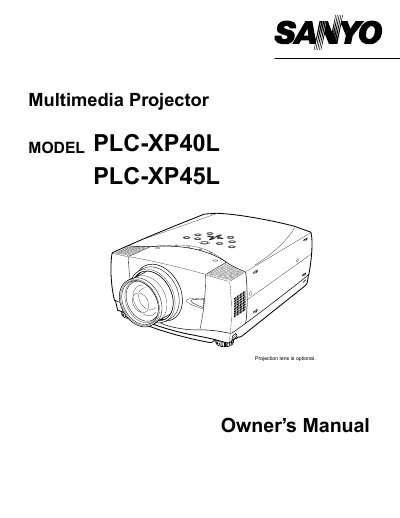

Sanyo PLC-XP40L/PLC-XP45L Multimedia Projector Owner's Manual - cover page
Brand
Sanyo
Category
Projector
Document type
User Manual
Language
English
Pages
44
File format
PDF
File size
1.2 MB
Published
03 August, 2012
Updated
28 September, 2023
MD5 checksum
0FA9F2C68ADB29EA679537F87976281B

About this manual

This manual covers the features, design, and preparation of the Sanyo PLC-XP40L and PLC-XP45L multimedia projectors. It includes detailed instructions on setting up the projector, connecting it to computers and video equipment, and adjusting the image and sound.

What's inside

  • Features and Design
  • Preparation
  • Setting-Up Projector
  • Connecting Projector
  • Operation of Remote Control
  • Operating On-Screen Menu
  • Maintenance
  • Troubleshooting
  • Technical Specifications

Frequently asked questions

What safety precaution must be taken regarding the projector's ventilation slots?

Do not cover the ventilation slot on the projector because heat build-up can reduce the service life of the projector and can also be dangerous.

What should be done if the projector is not to be used for an extended time?

Unplug the projector from the power outlet to prevent damage due to lightning and power line surges.

What is the minimum distance required for air circulation on the sides and rear of the projector?

A minimum distance of 80cm must be maintained on the sides and rear of the projector to allow air circulation and cooling.

Download PDF (1.2 MB)

More Sanyo Manuals


View all Sanyo manuals →