
Key facts
- Brand
- Philips
- Model
- GC3106
- Documents
- 2
- Languages
- EN
- Last added
- 2012-03-20
Start here
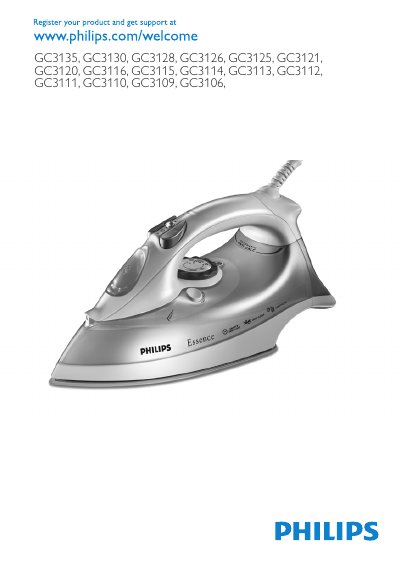
PHILIPS GC3135 GC3130 GC3128 GC3126 GC3125 GC3121 GC3120 GC3116 GC3115 GC3114 GC3113 GC3112 GC3111 GC3110 GC3109 GC3106 user manual
This Philips user manual covers steam iron models GC3135, GC3130, GC3128, GC3126, GC3125, GC3121, GC3120, GC3116, GC3115, GC3114, GC3113, GC3112, GC3111, GC3110, GC3109, and GC3106. It includes safety warnings, instructions for filling the water tank, setting the temperature, and starting ironing.
The manual also describes steam and spray functions, steam boost, drip stop, anti-calc, automatic shut-off, cleaning and Calc-Clean procedures, storage, environment disposal, guarantee and service, and troubleshooting common problems.
Philips GC3106 specifications
| Intended use | Household use only |
|---|---|
| Automatic shut-off | GC3135 only |
| Steam boost temperature range | 2 to MAX |
| Steam off setting | Position 0 |
All Philips GC3106 documents by type
Day-to-day operation, settings and troubleshooting. Start here if the product is already set up.
Questions answered in these manuals
Which model features an automatic shut-off safety device?
The Auto-shut-off feature is available only on type GC3135.
What should I do if the red pilot light is blinking on model GC3135?
The blinking red light indicates that Auto-shut-off is activated; move the iron slightly to deactivate it.
What should I check if the iron is plugged in but the soleplate stays cold?
Check the mains cord, plug, and wall socket, and set the temperature dial to the required position.
How often should the Calc-Clean function be used?
Use it once every two weeks, or more frequently if the water is very hard.