
This manual provides instructions for setting up, operating, and configuring the Philips CD4960 telephone, including safety guidelines and technical…
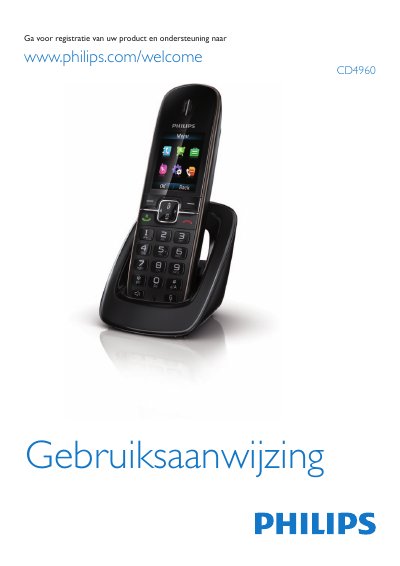
This document is the user manual for the Philips CD4960 telephone. It covers essential safety instructions, setup procedures such as connecting the charger and installing the handset, and basic operation including making calls and managing volume. The guide also details how to configure various settings like date, time, sound, and ECO mode, as well as using specific features like the alarm clock and services menu. This manual is written in Dutch.
| Operating Temperature | 0 °C to +40 °C |
|---|---|
| Storage Temperature | -20 °C to +45 °C |
| Power Supply | 100 - 240 volt AC |
The ECO mode is a setting that can be activated in the telephone settings to save energy.
When the handset is removed from the base station or charger, the bars on the screen indicate the battery level.