
This is a user manual for a LCD TV, including the model, register product, get support information
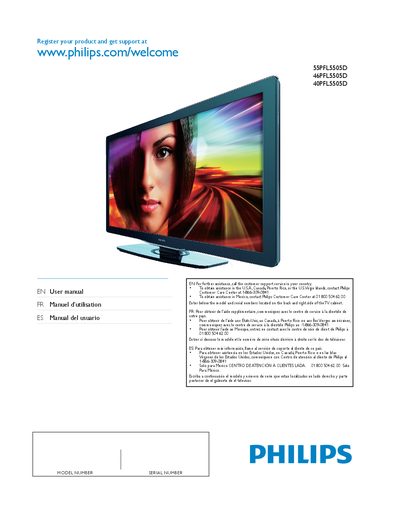
This manual provides step‑by‑step guidance for installing, connecting and using Philips 55PFL5505D, 46PFL5505D and 40PFL5505D LCD televisions. It covers safety notices, mounting, remote control setup, channel installation, software updates and troubleshooting.
Additional sections explain screen care, energy‑saving features, warranty information and how to register the product online for support and warranty benefits.
| Energy Star qualification | Qualified |
|---|---|
| Effective pixel retention | 99.999% or more |
| Audio technology | TruSurround HD surround sound |
Visit www.philips.com/welcome and complete the product registration card online.
Call the Philips Customer Care Center at 1‑866‑309‑0841 for assistance in the United States, Canada, Puerto Rico, or the U.S. Virgin Islands.
Use the antenna or cable connector on the back of the TV as described in the "Connecting the antenna or cable" section.
Refer to the "Adjusting the swivel angle" step in the Get started chapter to set the desired angle.