
This document is an operating instruction and installation manual for the Panasonic Electronic Board (Interactive Panaboard) Model No. UB-8325. The document provides detailed instructions on assembly, operation, and installation of the equipment. It also emphasizes that the installation should be performed by qualified service personnel and provides contact information for authorized dealers.
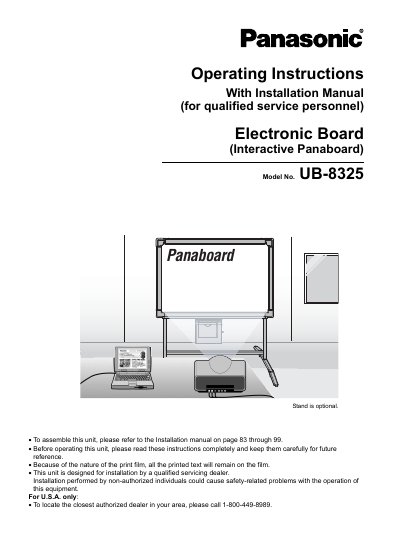
This manual provides operating instructions for the Panasonic UB-8325 Electronic Board (Interactive Panaboard). It details the accessories included, safety precautions, and the two primary interactive functions: Projector mode and Whiteboard mode. The document explains how to use the Electronic Pen and Electronic Eraser to interact with projected images or display information on a computer in real-time.
| Copy capability | up to 9 copies per screen |
|---|---|
| Contrast levels | 2 level contrast |
| Screen printing | 2-screens at the time |
The unit is equipped with Projector mode and Whiteboard mode in addition to a regular electronic board function.
The Electronic Pen with its cap on is used to operate the computer as a mouse.