
Panasonic UB-8325 Electronic Scan Board User Manual

This manual provides installation, operation, maintenance, and troubleshooting instructions for the Panasonic UB-8325 interactive electronic scan board.
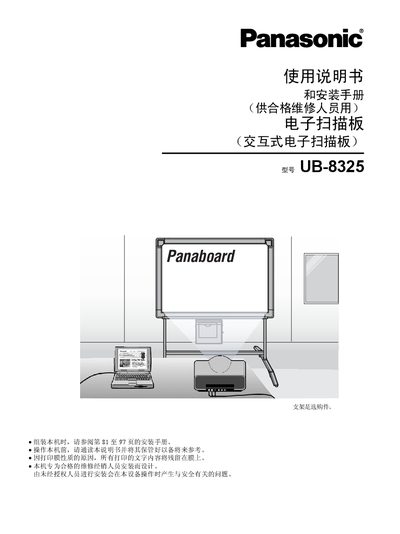

Panasonic UB-8325 Electronic Scan Board User Manual - cover page
Brand
Panasonic
Category
Other Electronics
Document type
User Manual
Language
Chinese
Pages
98
File format
PDF
File size
5.2 MB
Published
12 March, 2012
Updated
12 October, 2026
Model
UB-8325
MD5 checksum
96D7CF1D226F8CB0DB8015924031121B

About this manual

The Panasonic UB-8325 is an interactive electronic scan board designed for qualified repair dealers and users. It supports two primary interactive modes: projector mode, where the board acts as a touch surface for projected images, and scan board mode, which displays written information on a connected computer in real-time. The device also functions as a standard electronic scan board for copying documents. This manual is written in Chinese.

What's inside

  • Safety Precautions
  • Parts Names and Functions
  • Installing Thermal Transfer Film
  • Loading Copy Paper
  • Making Copies
  • Setting Up Electronic Pens and Erasers
  • Installing Drivers and Software
  • Using in Projector Mode
  • Using in Scan Board Mode
  • Troubleshooting

Frequently asked questions

Who is qualified to install this electronic scan board?

The unit is designed for installation by qualified service dealers only.

How many copies can be made on a single screen?

Up to 9 copies can be printed on each screen.

Download PDF (5.2 MB)

More Panasonic Manuals


View all Panasonic manuals →