
Key facts
- Brand
- Olympus
- Model
- X-725
- Category
- Digital cameras
- Industry
- Electronics
- Documents
- 4
- Languages
- EN · FR · ZH
- Last added
- 2023-10-19
Start here
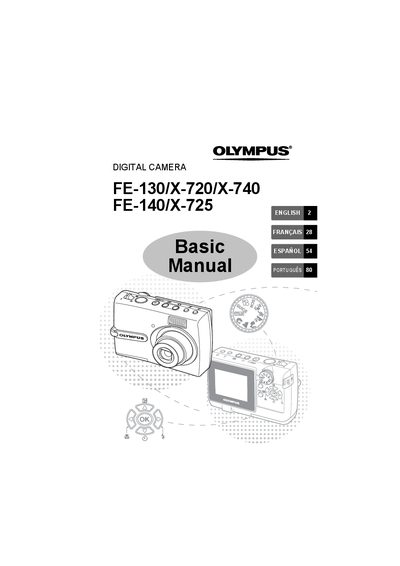
Olympus FE-130/X-720/X-740/FE-140/X-725 Digital Camera Basic Manual
This document serves as the Basic Manual for several Olympus digital camera models. It guides users through initial setup steps such as attaching the strap, inserting batteries, and setting the date and time. The manual covers fundamental operations like taking pictures using autofocus, zooming, and utilizing various shooting modes including Scene (SCN) and Macro. This manual is written in French.
Read onlineOlympus X-725 specifications
| Battery type | NiMH |
|---|---|
| Memory card type | xD-Picture Card |
| Video output | Available (VIDEO输出) |
Source: OLYMPUS FE-130/X-720/X-740 FE-140/X-725digital camera senior Manual
All Olympus X-725 documents by type
Day-to-day operation, settings and troubleshooting. Start here if the product is already set up.
Questions answered in these manuals
What items are included in the camera box?
The box contains the digital camera, strap, two AA batteries, USB cable, video cable, OLYMPUS Master Software CD-ROM, warranty card, and this Basic Manual.
From: Olympus FE-130/X-720/X-740 FE-140/X-725 Digital Camera User Manual
How long does the warranty last?
The product is covered for two years from the date of purchase, with a separate one-year period for the World Wide Warranty.
From: Olympus FE-130/X-720/X-740 FE-140/X-725 Digital Camera User Manual
What happens when the green lamp blinks during shooting?
The focus is not adjusted properly. You should try locking the focus again.
From: Olympus FE-130/X-720/X-740/FE-140/X-725 Digital Camera Advanced Manual
How do I record a movie?
Set the mode dial to 99 and press the shutter button fully to start recording.
From: Olympus FE-130/X-720/X-740/FE-140/X-725 Digital Camera Advanced Manual
How do I erase a picture permanently?
Select the picture, press the button to confirm selection, select YES, and then press the button again.
From: Olympus FE-130/X-720/X-740/FE-140/X-725 Digital Camera Basic Manual
Where are pictures recorded if no card is inserted?
Pictures will be recorded in the internal memory of the camera.
From: Olympus FE-130/X-720/X-740/FE-140/X-725 Digital Camera Basic Manual