
Advanced usage manual, introduces the camera's detailed functions, allowing users to fully use the camera
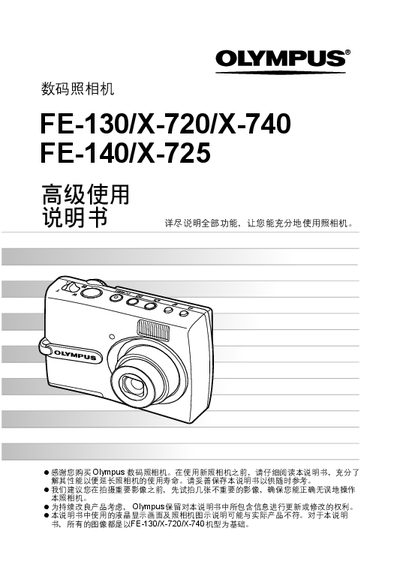
The Olympus FE-130/X-720/X-740 digital camera manual provides detailed instructions on how to power the camera, use the buttons, navigate menus, select shooting modes, and adjust image settings. It also covers image playback, editing, printing, and transferring photos to a computer using Olympus Master software.
Key sections include button operations, menu navigation, shooting guides, image quality adjustments, direct printing (PictBridge), battery care, accessories, safety information, and an index for quick reference. This manual is written in Chinese.
| Battery type | NiMH |
|---|---|
| Memory card type | xD-Picture Card |
| Video output | Available (VIDEO输出) |
Press the POWER button; the LCD screen turns on and the lens extends.
Press the q button to toggle playback mode on or off.
Use the Direct Print (PictBridge) function to send images to a compatible printer.
Install Olympus Master software, connect the camera via USB, and use the software to download and save images.