
This is a user manual for Olympus digital cameras, which introduces the functions and operating methods of the camera.
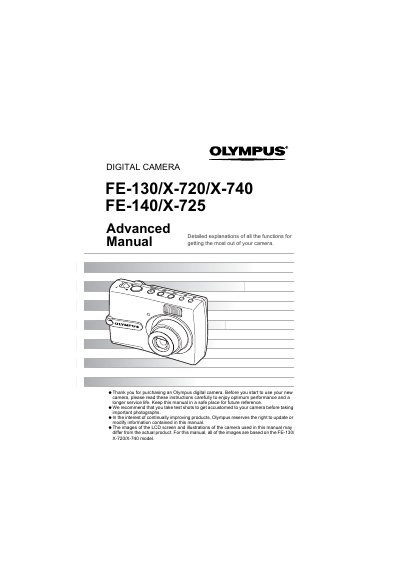
This manual provides detailed explanations of all functions to help users get the most out of their Olympus digital camera. It covers basic operations such as turning the camera on/off, using the shutter button, and switching between shooting and playback modes via the mode dial.
The guide also explains how to use various menus for image quality settings, scene selection (SCN), and editing features like red-eye fix and black & white conversion. Additionally, it details procedures for printing photos directly or via computer using OLYMPUS Master software.
The focus is not adjusted properly. You should try locking the focus again.
Set the mode dial to 99 and press the shutter button fully to start recording.
Check if the batteries are loaded correctly or replace them with new ones.