
Key facts
- Brand
- Olympus
- Model
- Stylus 795SW
- Category
- Other
- Industry
- Electronics
- Documents
- 2
- Languages
- EN
- Last added
- 2012-06-08
Start here
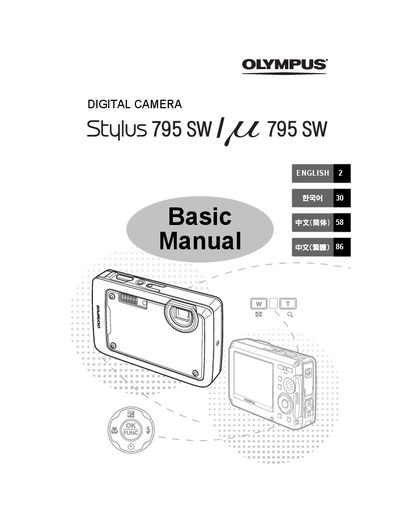
OLYMPUS Stylus795SW/ 195SW user manual
This manual lists the items included in the box, shows how to charge the battery, insert the battery and an xD‑Picture Card, and explains basic camera preparation steps. It also covers safety precautions and warranty information.
The guide details how to power the camera on and off, set the date and time, select language, use various shooting modes, navigate menus, erase pictures, connect to a TV, print via PictBridge, and transfer images to a computer using Olympus Master Software.
All Olympus Stylus 795SW documents by type
Day-to-day operation, settings and troubleshooting. Start here if the product is already set up.
Questions answered in these manuals
How do I charge the battery?
Connect the charger to an AC wall outlet; the indicator light is red while charging and turns off when charging is complete, which takes about 5 hours.
How do I insert the battery?
Insert the battery with the W‑marked side first, aligning the © marks toward the battery lock knob; slide the lock knob in the direction of the arrow to secure it.