
Key facts
- Brand
- Olympus
- Model
- TG-3
- Category
- Digital cameras
- Industry
- Electronics
- Documents
- 5
- Languages
- EN
- Last added
- 2026-10-24
Start here
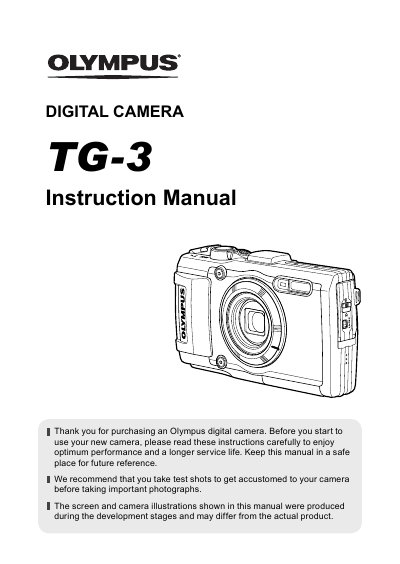
Olympus TG-3 Digital Camera Instruction Manual
This document is the official instruction manual for the Olympus TG-3 digital camera. It guides users through initial setup, including unpacking the box contents, attaching the strap, and inserting the battery and memory card. The manual details how to charge the battery using the supplied USB-AC adapter and how to turn on the camera to configure initial settings like language and date/time.
Read onlineOlympus TG-3 specifications
| Effective pixels | 16,000,000 pixels |
|---|---|
| Image pickup device | 1/2.3" CMOS |
| Lens focal length | 4.5 mm to 18.0 mm |
| Shutter speed | 4 to 1/2000 sec. |
| Monitor size | 3.0" TFT color LCD |
| Water resistance | IPX8 (15 m deep) |
| Battery type | LI-92B |
| Battery capacity | 1350 mAh |
| Dimensions | 111.5 x 65.9 x 31.2 mm |
All Olympus TG-3 documents by type
Day-to-day operation, settings and troubleshooting. Start here if the product is already set up.
Questions answered in these manuals
What is included in the box?
The box includes the digital camera, strap, lithium ion battery (LI-92B), setup CD-ROM or USB-AC adapter, and USB cable.
How long does it take to charge the battery?
The battery is not fully charged at shipment and should be charged until the indicator lamp turns off, which can take up to 5 hours.
What is the purpose of taking test shots before photographing important events?
You should take test shots to get accustomed to your camera before taking important photographs.
How can you access frequently used functions without using the menu?
Frequently used functions can be accessed using the direct buttons on the camera.
What is the recommended way to get accustomed to the camera before taking important photographs?
We recommend that you take test shots to get accustomed to your camera before taking important photographs.
How can frequently used functions be accessed quickly?
Frequently used functions can be accessed using the direct buttons.