
Key facts
- Brand
- Olympus
- Model
- TCON-14
- Category
- Digital cameras
- Documents
- 2
- Languages
- EN
- Last added
- 2012-07-09
Start here
Olympus TCON-14 1.45X Tele Conversion Lens User Manual
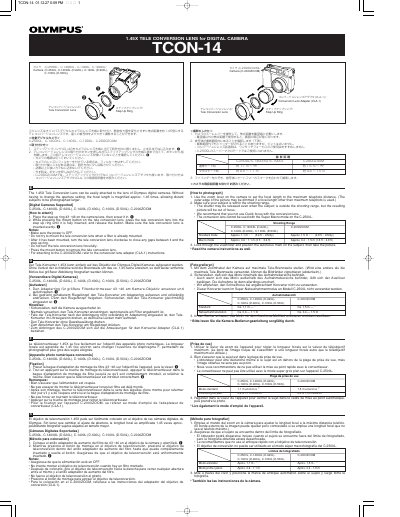
This document is the user manual for the Olympus TCON-14, a 1.45X tele conversion lens designed for digital cameras. It explains how to attach the lens to the camera using a step-up ring or a conversion lens adapter (CLA-1) for specific models like the C-2000ZOOM. The manual instructs users to set the camera to maximum telephoto distance and use the autofocus mark for shooting.
Read onlineAll Olympus TCON-14 documents by type
Day-to-day operation, settings and troubleshooting. Start here if the product is already set up.
Questions answered in these manuals
How do I attach the lens to the C-2000ZOOM?
Use the conversion lens adapter (CLA-1) and refer to its instructions.
From: Olympus TCON-14 1.45X Tele Conversion Lens User Manual
Can I use Quick focus with this lens?
No, it is recommended not to use Quick focus when the conversion lens is attached.
From: Olympus TCON-14 1.45X Tele Conversion Lens User Manual
Which cameras is the TCON-14B lens compatible with?
It is designed specifically for Olympus digital cameras of the E-10 series.
Which cameras is this lens compatible with?
This lens is designed exclusively for Olympus digital cameras in the E-10 series.