
Key facts
- Brand
- Olympus
- Model
- X-700
- Category
- Digital cameras
- Industry
- Electronics
- Documents
- 3
- Languages
- EN · ZH
- Last added
- 2012-06-08
Start here
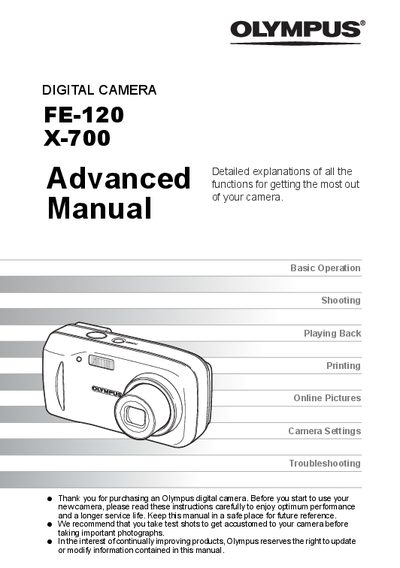
Olympus FE-120/X-700 Digital Camera Advanced User Manual
This document serves as the Advanced Manual for the Olympus FE-120 and X-700 digital cameras. It is designed to help users master advanced camera capabilities after they have learned the basics from a separate Basic Manual. The guide covers creative shooting techniques such as panorama, sequential, and self-timer modes, as well as detailed playback functions including editing still pictures (black & white, sepia) and movies.
Read onlineAll Olympus X-700 documents by type
Day-to-day operation, settings and troubleshooting. Start here if the product is already set up.
Questions answered in these manuals
Can I edit movies taken with this camera?
Yes, the playback section includes instructions for editing movies.
From: Olympus FE-120/X-700 Digital Camera Advanced User Manual
What is the purpose of this manual?
This document introduces advanced functions to help users take more creative pictures after mastering the basics.
From: Olympus FE-120/X-700 Digital Camera Advanced User Manual
What items are included in the camera box?
The box contains a strap, xD-Picture Card, AA (R6) Batteries (two), USB Cable, OLYMPUS Master software CD-ROM, Advanced Manual, Basic Manual, Warranty card, and Registration card.
How do you lock focus on the Olympus FE-120?
Press and hold the shutter button halfway to lock focus, indicated by a green lamp.