
Key facts
- Brand
- Olympus
- Model
- X-730
- Category
- Digital cameras
- Industry
- Electronics
- Documents
- 3
- Languages
- EN · ZH
- Last added
- 2012-06-08
Start here
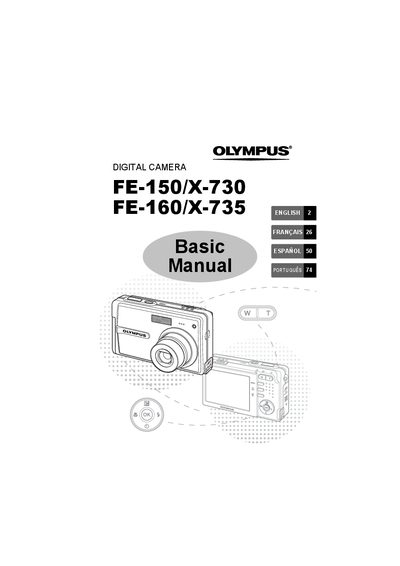
Olympus FE-150/X-730/FE-160/X-735 Digital Camera Basic Manual
This manual provides basic operation instructions for the Olympus FE-150/X-730 and FE-160/X-735 digital cameras. It covers essential steps such as getting started with battery installation and date setting, taking pictures using zoom and focus functions, and reviewing or erasing images on the monitor.
The guide also details how to connect the camera to a computer for image transfer using OLYMPUS Master software or direct printing via PictBridge. It includes information on menu settings, safety precautions, and a list of included items.
All Olympus X-730 documents by type
Day-to-day operation, settings and troubleshooting. Start here if the product is already set up.
Questions answered in these manuals
What should I do if the camera does not turn on even when a battery is loaded?
Charge the battery with the charger, or remove and warm it by putting it in your pocket for a while.
From: Olympus FE-150/X-730/FE-160/X-735 Digital Camera Advanced Manual
How do I lock focus before composing my shot?
Set the mode switch to shooting mode, lightly press the shutter button halfway until the green lamp lights, then compose your picture.
From: Olympus FE-150/X-730/FE-160/X-735 Digital Camera Advanced Manual
What is included in the box contents?
The box contains a U-42B Lithium Ion Battery, OLYMPUS Master Software CD-ROM, L-40C Battery Charger, USB Cable, and AY Cable.
From: Olympus FE-150/X-730/FE-160/X-735 Digital Camera Basic Manual
How long does it take to charge the battery?
The recommended charging time is approximately 300 minutes.
From: Olympus FE-150/X-730/FE-160/X-735 Digital Camera Basic Manual
How do I turn the camera on and off?
Press the POWER button to turn the camera on or off.
How can I switch between shooting mode and playback mode?
Use the mode switch to select K for shooting or n for playback.