
Key facts
- Brand
- Olympus
- Model
- Stylus 500
- Category
- Digital cameras
- Documents
- 2
- Languages
- EN · ZH
- Last added
- 2012-06-08
Start here
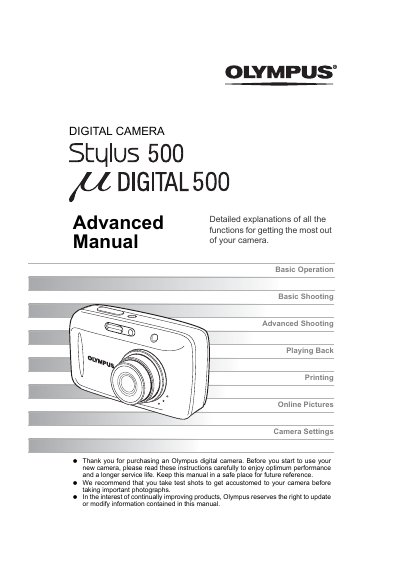
Olympus Stylus 500 Digital Camera Instruction Manual
This instruction manual is designed to help users get accustomed to the Olympus Stylus 500 digital camera. It covers essential topics such as using the mode dial, direct buttons, arrow pad, and menus for navigation. The guide explains how to use xD-Picture Cards for storage and printing at photo shops or with PictBridge-compatible printers.
Read onlineAll Olympus Stylus 500 documents by type
Day-to-day operation, settings and troubleshooting. Start here if the product is already set up.
Questions answered in these manuals
What type of memory card does this camera use?
Pictures taken with this camera are stored on an xD-Picture Card.
Can I print pictures directly from the camera?
Yes, you can use a PictBridge-compatible printer to print pictures directly from your camera.
How can I transfer images from the camera to my computer?
Install Olympus Master software on your computer and use it to download, edit, view, and print images from the camera.
Can I print photos directly from the camera?
Yes, by using a PictBridge‑compatible printer you can print images directly from the camera.