
Key facts
- Brand
- Olympus
- Model
- X-745
- Category
- Digital cameras
- Industry
- Electronics
- Documents
- 3
- Languages
- EN
- Last added
- 2012-06-08
Start here
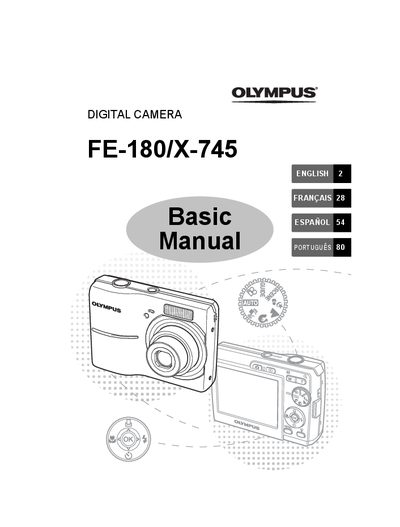
Olympus FE-180/X-745 Digital Camera Basic Manual
This manual provides basic operating instructions for the Olympus FE-180 and X-745 digital cameras. It guides users through gathering box contents, attaching accessories like the strap, and preparing AA NiMH batteries using the provided charger.
The guide details how to turn on the camera in shooting mode, set the date and time, and configure language settings via the menu system. It explains various still picture shooting modes, scene modes, macro functionality, flash options, self-timer usage, and power save features.
All Olympus X-745 documents by type
Day-to-day operation, settings and troubleshooting. Start here if the product is already set up.
The shortest path to a working setup, usually only a few pages.
Questions answered in these manuals
What is the approximate charging time for the batteries?
The charging time is approximately 230 minutes.
From: Olympus FE-180/X-745 Digital Camera Advanced Quick Start Guide
How do you turn off the camera?
To turn off the camera, press the POWER button once again.
From: Olympus FE-180/X-745 Digital Camera Advanced Quick Start Guide
How long does it take to charge the batteries?
The charging time is approximately 230 minutes.
What happens if I press the POWER button once again after turning on the camera?
Pressing the POWER button once again turns off the camera.