
Key facts
- Brand
- Olympus
- Model
- X-880
- Category
- Digital cameras
- Industry
- Electronics
- Documents
- 2
- Languages
- EN
- Last added
- 2012-06-08
Start here
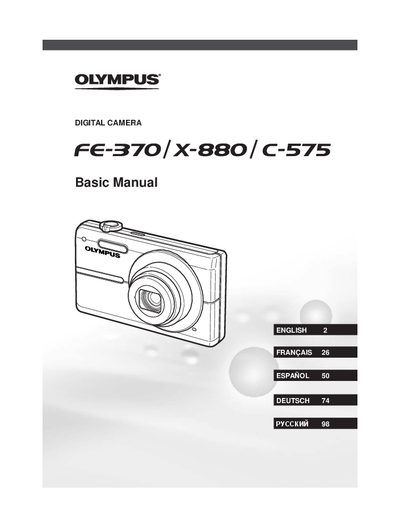
Olympus FE-370/X-880/C-575 Digital Camera Basic Manual
This manual provides basic instructions for setting up and using the Olympus FE-370, X-880, and C-575 digital cameras. It covers preparing the camera by checking contents, attaching the strap, charging the battery, and loading xD-Picture Cards or microSD cards via an attachment.
The guide details how to operate the camera in various shooting modes, including P mode for manual adjustments of aperture and shutter speed, GUIDE mode for automatic settings, and SCENE mode for specific environments. It also explains functions such as using the flash, zoom, self-timer, exposure compensation, macro shooting, and adjusting monitor brightness.
All Olympus X-880 documents by type
Day-to-day operation, settings and troubleshooting. Start here if the product is already set up.
Questions answered in these manuals
What is the recommended procedure before taking important photographs?
You should take test shots to get accustomed to your camera.
From: Olympus FE-370/X-880/C-575 Digital Camera Instruction Manual
How can a user access various camera settings including shooting and playback functions?
Various camera settings can be accessed through the menus.
From: Olympus FE-370/X-880/C-575 Digital Camera Instruction Manual
How long does it take to charge the battery?
The battery comes partially charged and should be charged until the charging indicator goes off, which takes approximately 2.5 hours.
From: Olympus FE-370/X-880/C-575 Digital Camera Basic Manual
Can I take pictures without an xD-Picture Card?
Yes, this camera allows you to take pictures using the internal memory even when no xD-Picture Card is inserted.
From: Olympus FE-370/X-880/C-575 Digital Camera Basic Manual