
Key facts
- Brand
- Olympus
- Model
- WS-110
- Category
- Other
- Industry
- Electronics
- Documents
- 2
- Languages
- EN
- Last added
- 2026-10-03
Start here
Olympus WS-110 Digital Recorder Quick Start Guide
The Olympus WS-110 digital recorder is a slim, lightweight device designed for easy high‑quality audio capture. This quick start guide walks users through turning the recorder on and off, organizing recordings, and using the LCD screen and tactile keys.
Key functions covered include recording modes (HQ, SP, LP), playback speed adjustments, file management, battery replacement, and direct PC connection for file transfer. The guide also explains menu navigation, sub‑menu options, and special features such as VCVA, Low Cut, and Voice Filter.
Olympus WS-110 specifications
| Internal memory | 256 MB |
|---|---|
| Maximum recording time | up to 69 hours |
| Number of folders | 5 |
| Messages per folder | up to 200 |
| Battery type | AAA alkaline |
All Olympus WS-110 documents by type
The shortest path to a working setup, usually only a few pages.
Day-to-day operation, settings and troubleshooting. Start here if the product is already set up.
Questions answered in these manuals
How do I turn the Olympus WS-110 on?
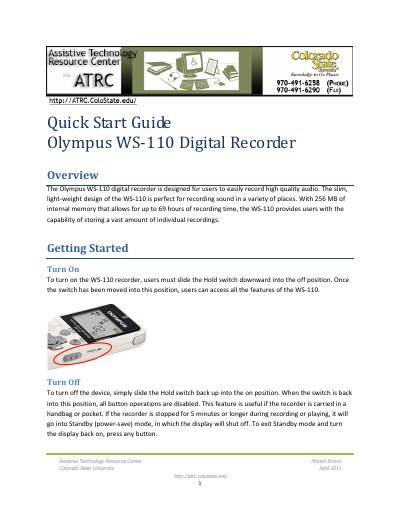
Slide the Hold switch downward into the off position to power the recorder on.
How can I erase a single recorded file?
Press the Erase button and then the Play/Select button to delete the selected file.
What should I check if the recorder does not respond when a button is pressed?
Make sure the HOLD switch is not engaged, verify the battery is not depleted, and confirm the battery is inserted correctly.
How many recordings can be stored in each folder?
Each folder can hold up to 200 recorded messages.