
Key facts
- Brand
- Olympus
- Model
- X-705
- Category
- Digital cameras
- Industry
- Electronics
- Documents
- 3
- Languages
- EN · ZH
- Last added
- 2012-06-08
Start here
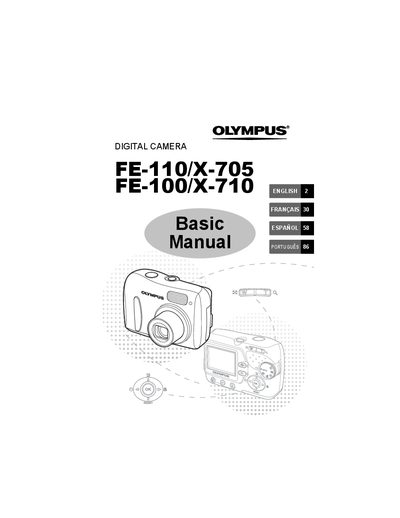
Olympus FE-110/X-705 and FE-100/X-710 Digital Camera Basic Manual
This manual provides basic operation guides for the Olympus FE-110/X-705 and FE-100/X-710 digital cameras. It covers essential steps such as attaching the strap, inserting batteries, setting the date and time, and taking pictures using the zoom and focus functions.
Read onlineAll Olympus X-705 documents by type
Day-to-day operation, settings and troubleshooting. Start here if the product is already set up.
Questions answered in these manuals
Can I update information in this manual?
Yes, Olympus reserves the right to update or modify information contained in the manual continually.
From: Olympus FE-110/X-705 and FE-100/X-710 Digital Camera Advanced Manual
Do the illustrations match the actual product?
The images and illustrations used in the manual may differ from the actual product.
From: Olympus FE-110/X-705 and FE-100/X-710 Digital Camera Advanced Manual
Can I take pictures without an xD-Picture Card?
Yes, the camera has its own internal memory to save pictures even when no card is inserted.
From: Olympus FE-110/X-705 and FE-100/X-710 Digital Camera Basic Manual
What items are included in the camera box?
The box contains two AA (R6) batteries, a USB cable, and an OLYMPUS Master software CD-ROM.
From: Olympus FE-110/X-705 and FE-100/X-710 Digital Camera Basic Manual
How do I turn the camera on and off?
Press the power switch; the lens extends and the orange power‑on lamp lights when the camera is on, and the lens retracts and the lamp turns off when the power switch is pressed again.
From: OLYMPUS FE-110/X-705 FE-100/X-710digital camera Manual
How can I switch between shooting and playback mode?
Press the green button (k) to switch to playback mode or the orange button (l) to return to shooting mode.
From: OLYMPUS FE-110/X-705 FE-100/X-710digital camera Manual