
Key facts
- Brand
- Olympus
- Model
- 1030SW
- Category
- Digital cameras
- Industry
- Electronics
- Documents
- 2
- Languages
- EN
- Last added
- 2012-06-08
Start here
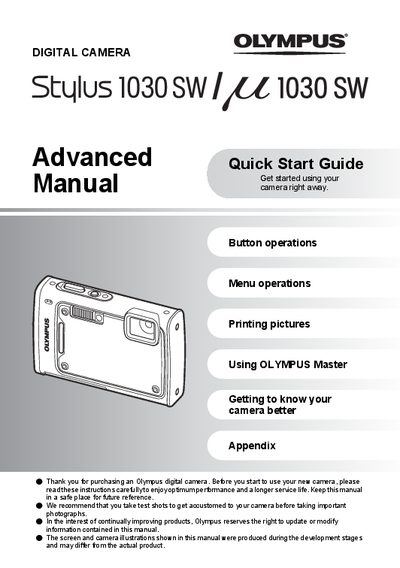
Olympus 1030SW Digital Camera Advanced Quick Start Guide
This document serves as an advanced quick start guide for the Olympus 1030SW digital camera. It provides step-by-step instructions on setting up the device, including charging the included LI-50B or LI-50C battery and inserting an optional xD-Picture Card. The guide explains how to turn the camera on, set the date and time, and select shooting modes such as Full Auto, Program Auto, and Scene (SCN).
Read onlineAll Olympus 1030SW documents by type
The shortest path to a working setup, usually only a few pages.
Day-to-day operation, settings and troubleshooting. Start here if the product is already set up.
Questions answered in these manuals
What is included in the box?
The box contains a Lithium ion Battery, USB Cable, AV Cable, OLYMPUS Master Software CD-ROM, and a Battery Charger.
From: Olympus 1030SW Digital Camera Advanced Quick Start Guide
How long does it take to charge the battery?
The charging time is approximately 2 hours.
From: Olympus 1030SW Digital Camera Advanced Quick Start Guide
How long does it take to charge the battery?
The charging time is approximately 2 hours.
From: Olympus 1030SW Digital Camera Advanced Quick Start Guide
What happens if I insert the battery in the wrong orientation?
The camera will not turn on even if you press the POWER button.
From: Olympus 1030SW Digital Camera Advanced Quick Start Guide