
Key facts
- Brand
- Olympus
- Model
- S-DVD-100
- Category
- Video Player
- Industry
- Electronics
- Documents
- 2
- Languages
- EN
- Last added
- 2012-06-08
Start here
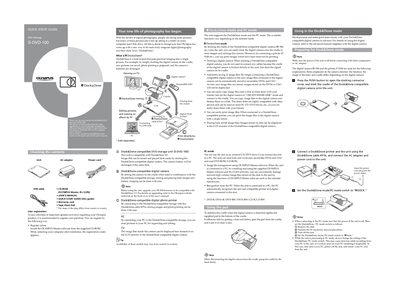
OLYMPUS S-DVD-100 DVD Storage Quick Start Guide
This guide provides basic operating instructions for the OLYMPUS S-DVD-100 DVD Storage unit, designed for use with Dock&Done-compatible digital cameras. It explains how to dock a camera to automatically store images and recharge batteries, as well as how to use the unit as an external CD/DVD drive for a PC. The document also covers printing image files and managing stored data.
Read onlineAll Olympus S-DVD-100 documents by type
Day-to-day operation, settings and troubleshooting. Start here if the product is already set up.
The shortest path to a working setup, usually only a few pages.
Questions answered in these manuals
What is the Dock&Done system?
Dock&Done is a total system that puts personal imaging into a single process, allowing users to save pictures, prepare photo printing, and recharge camera batteries by simply docking a digital camera.
How do I switch between Dock&Done mode and PC mode?
To switch modes, set the Dock&Done/PC mode switch on the unit. Note that you cannot switch to PC mode while the unit is processing in Dock&Done mode until data writing ends.
What digital cameras are compatible with this unit?
The unit is designed for use with Dock&Done-compatible digital cameras, such as the IR-300 and IR-500.
What types of disks can be used?
The unit supports recordable DVDs and CDs including DVD-R/DVD+R/DVD-RW/DVD+RW/CD-R/CD-RW.