
Key facts
- Brand
- Olympus
- Model
- E-10
- Category
- Digital cameras
- Documents
- 7
- Languages
- EN · ZH
- Last added
- 2012-08-06
Start here
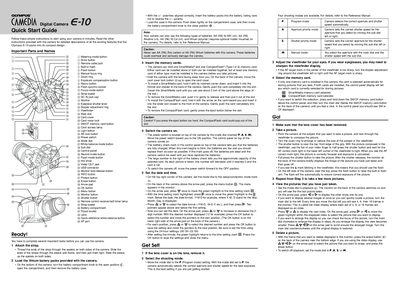
Olympus E-10 Digital Camera Quick Start Guide
This document serves as a Quick Start Guide for the Olympus Camedia Digital Camera E-10. It provides step-by-step instructions to get the user started with the device in minutes, focusing on essential initial tasks rather than detailed feature descriptions.
The guide covers preparing the camera by attaching the strap and installing lithium battery packs or compatible AA batteries. It details how to insert SmartMedia or CompactFlash memory cards and switch the camera on. Users are instructed on setting the date and time before proceeding to basic photography operations.
All Olympus E-10 documents by type
The shortest path to a working setup, usually only a few pages.
Day-to-day operation, settings and troubleshooting. Start here if the product is already set up.
- Olympus E1020/1010 Digital Camera Basic Manual 132 p
- Olympus E1060 Digital Camera Basic Manual 124 p
- Olympus FE-110/X-705 and FE-100/X-710 Digital Camera Advanced Manual 110 p
- Olympus FE-110/X-705 and FE-100/X-710 Digital Camera Basic Manual 116 p
- OLYMPUS FE-110/X-705 FE-100/X-710digital camera Manual 110 p
Questions answered in these manuals
What types of batteries can the Olympus E-10 use?
The camera uses lithium battery packs or AA Ni-MH, Alkaline, Ni-Cd, and lithium polymer batteries.
Can I use both SmartMedia and CompactFlash cards at the same time?
Yes, either card can be installed alone or both can be installed together.
Can I take pictures without an xD-Picture Card?
Yes, you can shoot pictures even without using an optional xD-Picture Card; if one is not inserted, pictures are saved to the internal memory.
How do I turn off the camera?
To turn off the camera, press the POWER button once again after it has been turned on.
What happens if I insert the battery incorrectly?
If you insert the battery incorrectly, you will not be able to remove it without using force or contacting service centers.
Can I take pictures if no memory card is inserted?
Yes, this camera can take pictures using the internal memory when no xD-Picture Card is inserted.