
Key facts
- Brand
- Olympus
- Model
- U1000
- Category
- Digital cameras
- Industry
- Electronics
- Documents
- 2
- Languages
- EN
- Last added
- 2012-06-08
Start here
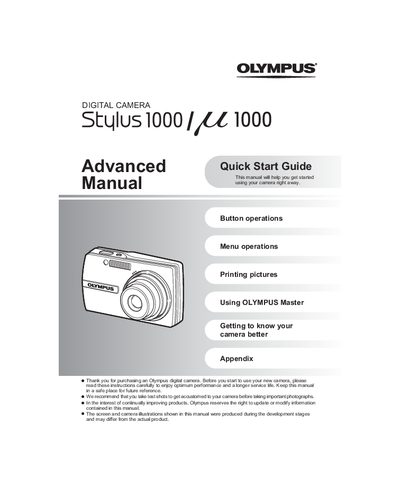
OLYMPUS DIGITAL CAMERA Stulus 1000/U1000 Advanced Manual (1)
The document serves as an advanced quick start guide for the Olympus Stylus 1000 / 22 1000 digital cameras. It instructs users on setting up the battery and date/time, operating the mode dial to switch between still picture, movie, and playback modes, and using the power button.
Read onlineAll Olympus U1000 documents by type
Day-to-day operation, settings and troubleshooting. Start here if the product is already set up.
The shortest path to a working setup, usually only a few pages.
Questions answered in these manuals
How long does it take to charge the battery?
The charging time is approximately 2 hours.
From: OLYMPUS DIGITAL CAMERA Stulus 1000/U1000 Advanced Manual (1)(1)
What date format options are available in the camera?
You can select from Y-M-D, M-D-Y, or D-M-Y formats.
From: OLYMPUS DIGITAL CAMERA Stulus 1000/U1000 Advanced Manual (1)(1)
How long does it take to charge the battery?
The charging time is approximately 2 hours.
From: OLYMPUS DIGITAL CAMERA Stulus 1000/U1000 Advanced Manual (1)
What happens when you press the POWER button once again?
Pressing the POWER button once again turns off the camera.
From: OLYMPUS DIGITAL CAMERA Stulus 1000/U1000 Advanced Manual (1)