
Key facts
- Brand
- Olympus
- Model
- VN-6500
- Category
- Other Electronics
- Documents
- 2
- Languages
- EN
- Last added
- 2012-05-09
Start here
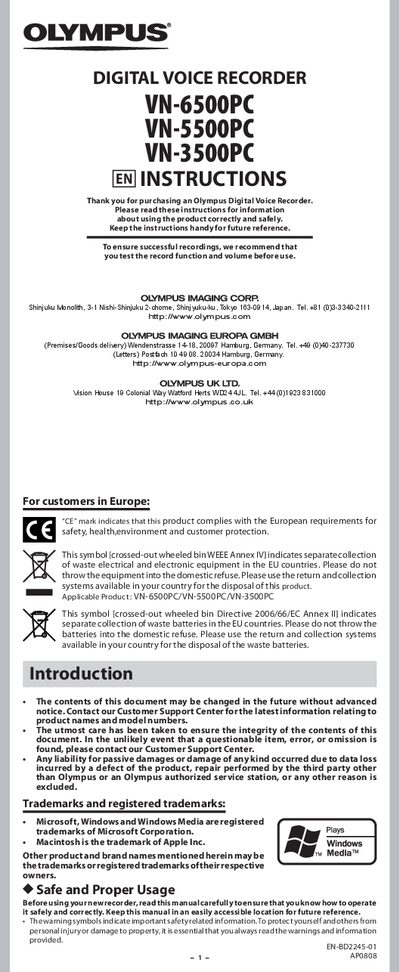
Olympus VN-6500PC, VN-5500PC, VN-3500PC User Manual
This manual introduces the Olympus digital voice recorder series, covering safety warnings, battery installation, and basic handling. It explains how to insert and replace batteries, power the unit, and set the time and date.
The guide details recording and playback functions, menu navigation, variable control voice actuator, PC USB connection, troubleshooting tips, and technical specifications such as recording time, frequency response, and power supply.
Olympus VN-6500 specifications
| Recording time (HQ mode) | ≈40 h |
|---|---|
| Recording time (SP mode) | ≈107 h |
| Recording time (LP mode) | ≈604 h |
| Battery type | 2 × AAA alkaline (optional Ni‑MH BR401) |
| Number of folders | 4 |
| Maximum files per folder | 100 |
Source: Olympus VN-6500 User Manual
All Olympus VN-6500 documents by type
Day-to-day operation, settings and troubleshooting. Start here if the product is already set up.
Questions answered in these manuals
How do I replace the batteries?
When the display shows [Cl], open the battery cover, replace the two AAA alkaline batteries (or an optional Ni‑MH BR401), close the cover, and the recorder will show the time and date setup screen.
How can I erase all files from a folder?
Select the folder with the FOLDER/INDEX button, press the ERASE button twice, and confirm with [YES] to delete all files in that folder.
How many files can be stored in each folder?
Each folder can hold up to 200 files.