
Olympus FE-130/X-720/X-740/FE-140/X-725 Digital Camera Basic Manual

This is a manual for the Olympus FE-130/X-720/X-740 digital camera, which introduces the camera's various functions and usage methods.
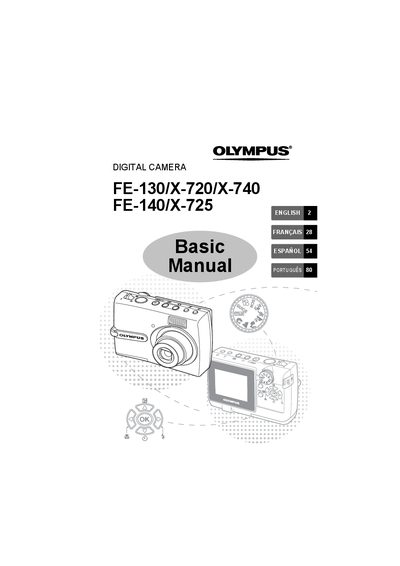

Olympus FE-130/X-720/X-740/FE-140/X-725 Digital Camera Basic Manual - cover page
Brand
Olympus
Category
Digital cameras
Document type
User Manual
Language
French
Pages
108
File format
PDF
File size
6.3 MB
Published
08 June, 2012
Updated
30 September, 2023
MD5 checksum
ED727321FEE1AC75112FCFAEC4DCE29D

About this manual

This document serves as the Basic Manual for several Olympus digital camera models. It guides users through initial setup steps such as attaching the strap, inserting batteries, and setting the date and time. The manual covers fundamental operations like taking pictures using autofocus, zooming, and utilizing various shooting modes including Scene (SCN) and Macro. This manual is written in French.

What's inside

  • Camera Diagram
  • Before You Begin
  • Getting Started
  • Take a Picture
  • Review or Erase a Picture
  • Transfer Images
  • Menues and Settings
  • Connecting the Camera
  • Specifications
  • Safety Precautions

Frequently asked questions

How do I erase a picture permanently?

Select the picture, press the button to confirm selection, select YES, and then press the button again.

Where are pictures recorded if no card is inserted?

Pictures will be recorded in the internal memory of the camera.

Download PDF (6.3 MB)

More Olympus Manuals


View all Olympus manuals →