
Key facts
- Brand
- Olympus
- Model
- AZ-1
- Category
- Digital cameras
- Industry
- Electronics
- Documents
- 3
- Languages
- ZH
- Last added
- 2026-11-14
Start here
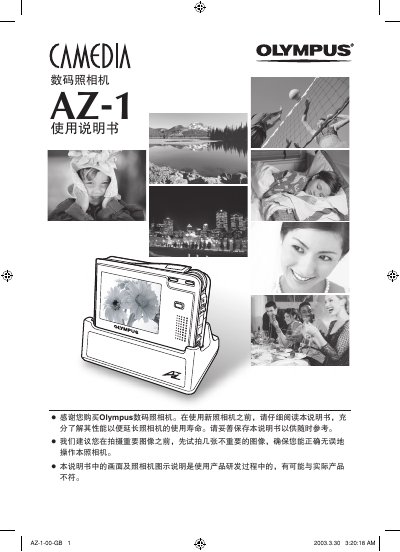
Olympus AZ-1 Digital Camera User Manual
This user manual for the Olympus AZ-1 digital camera guides users through the setup, operation, and maintenance of the device. It covers essential topics such as installing batteries and memory cards, powering the camera on and off, and navigating the menu system to adjust settings like white balance and metering.
The guide details various shooting modes, including 20 different scene modes for landscapes, portraits, and low-light conditions, as well as advanced features like digital zoom, continuous shooting, and image stabilization. It also explains how to play back, edit, and organize captured images, transfer them to a computer, and print them directly using PictBridge-compatible printers. This manual is written in Chinese.
Olympus AZ-1 specifications
| Effective pixel count | 3.2 million pixels |
|---|---|
| Image sensor | 1/2.7 inch CCD |
| Lens focal length | 5.8 mm – 17.4 mm, f/2.9‑f/4.9 |
| Storage medium | xD‑Picture Card, 16 MB – 512 MB |
| LCD screen | 2.5‑inch TFT color LCD (≈215 k pixels) |
| Battery | Olympus LI‑20B lithium‑ion battery |
| Dimensions (body only) | 94 mm × 67 mm × 22 mm |
| Weight (without battery or card) | ≈160 g |
All Olympus AZ-1 documents by type
Day-to-day operation, settings and troubleshooting. Start here if the product is already set up.
Questions answered in these manuals
What type of memory card does the Olympus AZ-1 use?
The camera uses an xD-Picture Card to record and store images.
How many scene modes are available?
There are over 20 different scene modes available for various shooting conditions.
What type of battery does the AZ‑1 use?
It uses an Olympus LI‑20B lithium‑ion rechargeable battery.
How can images be transferred to a computer?
Connect the camera to a computer via the USB (mini‑B) interface and use the provided software or file explorer to copy the images from the xD‑Picture Card.