
Key facts
- Brand
- Olympus
- Model
- D-425
- Category
- Digital cameras
- Documents
- 2
- Languages
- EN · ZH
- Last added
- 2023-10-30
Start here
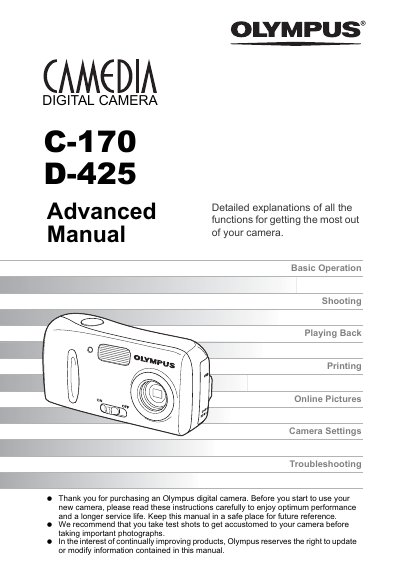
Olympus C-170 / D-425 Digital Camera Advanced Manual
This is the Advanced Manual for the Olympus C-170 and D-425 digital cameras. It is the second part of the camera's instruction manual: the Basic Manual explains how to take and view pictures, while this Advanced Manual introduces the camera's functions after the basics have been mastered, so you can take more creative pictures. The manual explains the notation used for shooting and playback modes and for menu operations, and notes that available languages vary by area.
The chapters cover basic operation with the shooting button, playback button, mode dial, direct buttons and menus; tips before shooting such as holding the camera, focus lock and record modes; shooting with scene modes, zoom, macro, flash, movies, self-timer and panorama; playback, slideshow, rotation, protection and erase; useful settings such as language, date and time, RESET, BACKUP, SLEEP and PIXEL MAPPING; PictBridge direct printing and DPOF print reservations; connecting the camera to a computer with OLYMPUS Master; and an appendix with troubleshooting, error codes, camera care, the optional AC adapter, safety precautions and a glossary.
Olympus D-425 specifications
| Image size | 2288 × 1712, 1600 × 1200, 640 × 480, 320 × 240 |
|---|---|
| Record modes | SHQ, HQ, SQ1, SQ2, SQ |
| Self-timer delay | 12 seconds |
| Storage | Internal memory and xD-Picture Card |
Source: Olympus C-170 / D-425 Digital Camera Advanced Manual
All Olympus D-425 documents by type
Day-to-day operation, settings and troubleshooting. Start here if the product is already set up.
Questions answered in these manuals
What software is used to view and save camera images on a computer?
The manual describes installing and starting OLYMPUS Master, then downloading and saving images with it. It also explains how to download images without using OLYMPUS Master.
Can the camera print pictures directly without a computer?
Yes, the manual covers direct printing (PictBridge), including connecting the camera to a printer and printing pictures.