
This manual provides instructions for operating the Olympus AZ-1 digital camera, covering shooting modes, playback, editing, and connectivity.
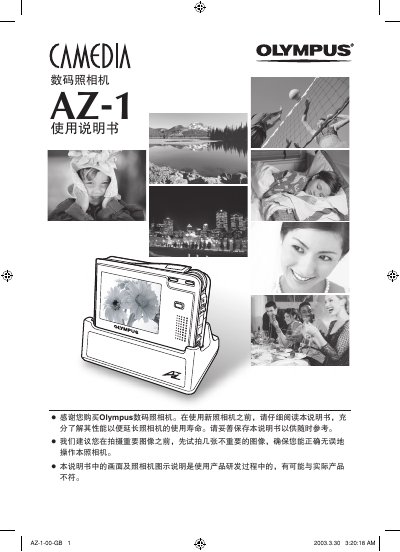
This user manual for the Olympus AZ-1 digital camera guides users through the setup, operation, and maintenance of the device. It covers essential topics such as installing batteries and memory cards, powering the camera on and off, and navigating the menu system to adjust settings like white balance and metering.
The guide details various shooting modes, including 20 different scene modes for landscapes, portraits, and low-light conditions, as well as advanced features like digital zoom, continuous shooting, and image stabilization. It also explains how to play back, edit, and organize captured images, transfer them to a computer, and print them directly using PictBridge-compatible printers. This manual is written in Chinese.
| Supported Memory Card | xD-Picture Card |
|---|---|
| Scene Modes | 20 types |
The camera uses an xD-Picture Card to record and store images.
There are over 20 different scene modes available for various shooting conditions.
Yes, you can print images directly without connecting to a computer.