
Key facts
- Brand
- Olympus
- Model
- D-630 ZOOM FE-5500 X-600
- Category
- Digital cameras
- Documents
- 5
- Languages
- EN · ZH
- Last added
- 2023-10-20
Start here
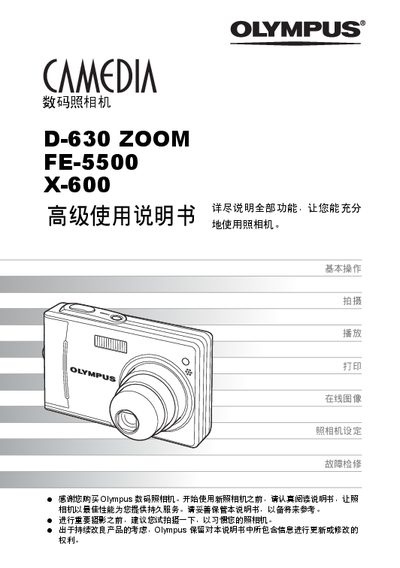
Olympus D-630 / ZOOM / FE-5500 / X-600 User Manual
The manual introduces basic operation of the camera, including how to use shooting and playback buttons, navigate menus, and adjust settings such as exposure compensation and white balance. It also covers advanced features like digital zoom, various shooting modes, and image editing on the camera.
Additional sections explain how to connect the camera to a computer using Olympus Master, print images directly via PictBridge, change language and other preferences, and perform troubleshooting. An appendix provides a term index and contact information for Olympus service centers. This manual is written in Chinese.
All Olympus D-630 ZOOM FE-5500 X-600 documents by type
Day-to-day operation, settings and troubleshooting. Start here if the product is already set up.
Questions answered in these manuals
What is the purpose of the Advanced Manual for the Olympus D-630 ZOOM FE-5500 X-600?
It introduces you to the camera’s many functions after you have mastered the basics.
From: Olympus D-630 ZOOM FE-5500 X-600 Digital Camera Advanced Manual
What does the Basic Manual cover for this camera?
It helps you get used to the camera and gives easy-to-follow explanations on how to take pictures and view them.
From: Olympus D-630 ZOOM FE-5500 X-600 Digital Camera Advanced Manual
What is the purpose of this manual?
This document provides advanced detailed explanations of all functions to help users get the most out of their camera.
From: Olympus D-630 ZOOM FE-5500 X-600 Advanced Detailed Explanations Manual
How many still pictures can be stored in internal memory?
The camera allows 26 storable still pictures to be saved in its internal memory.
From: Olympus D-630 ZOOM FE-5500 X-600 Advanced Detailed Explanations Manual