
This manual introduces the basic functions and usage of Olympus AZ-1 digital camera, including shooting, playback, connecting to computer and printer.
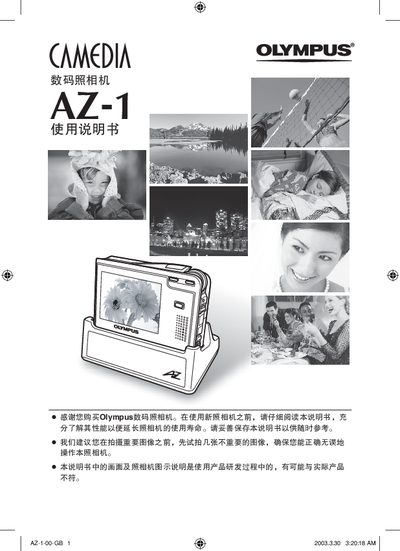
This manual guides users through preparing the Olympus AZ-1 camera, selecting shooting modes, and using advanced functions such as digital zoom, flash, and PictBridge printing. It also covers image transfer to computers, playback, and album organization.
Additional sections describe accessories, battery charging, LCD adjustments, specifications, and troubleshooting tips to help maintain reliable operation of the camera. This manual is written in Chinese.
| Effective pixel count | 3.2 million pixels |
|---|---|
| Image sensor | 1/2.7 inch CCD |
| Lens focal length | 5.8 mm – 17.4 mm, f/2.9‑f/4.9 |
| Storage medium | xD‑Picture Card, 16 MB – 512 MB |
| LCD screen | 2.5‑inch TFT color LCD (≈215 k pixels) |
| Battery | Olympus LI‑20B lithium‑ion battery |
| Dimensions (body only) | 94 mm × 67 mm × 22 mm |
| Weight (without battery or card) | ≈160 g |
It uses an Olympus LI‑20B lithium‑ion rechargeable battery.
Connect the camera to a computer via the USB (mini‑B) interface and use the provided software or file explorer to copy the images from the xD‑Picture Card.
The camera has a 2.5‑inch TFT color LCD display.