
Key facts
- Brand
- Olympus
- Model
- Stulus 810
- Category
- Digital cameras
- Documents
- 2
- Languages
- EN · ZH
- Last added
- 2023-10-27
Start here
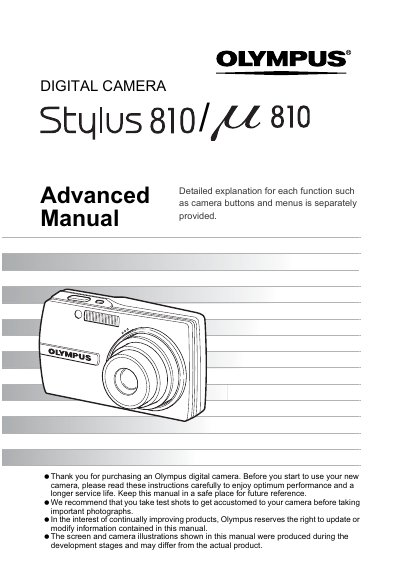
Olympus Stulus 810/24 810 Digital Camera User Manual
This manual provides step-by-step instructions for operating the Olympus Stulus 810/24 810 digital camera, including button functions, menu navigation, shooting modes, playback, printing, and troubleshooting tips. It also covers connecting the camera to a computer using OLYMPUS Master software and maintaining the camera for optimal performance. The guide is designed to help users get the most out of their camera before taking important photos.
Read onlineAll Olympus Stulus 810 documents by type
Day-to-day operation, settings and troubleshooting. Start here if the product is already set up.
Questions answered in these manuals
How do I turn the camera on and off?
Press the POWER button to turn the camera on or off.
How do I take a picture?
Set the mode dial to 'A' or 'SCN', lightly press the shutter button halfway to lock focus, then press it fully to take the picture.
How do I switch between shooting and playback mode?
Set the mode dial to K for shooting mode or to s for playback mode, then press the shutter button half‑press to lock focus.
How do I format the memory card?
Select the “格式化” option in the menu to format the memory card or inserted card.