
Key facts
- Brand
- Olympus
- Model
- SZ-20
- Category
- Digital cameras
- Industry
- Electronics
- Documents
- 3
- Languages
- EN · ZH
- Last added
- 2012-06-08
Start here
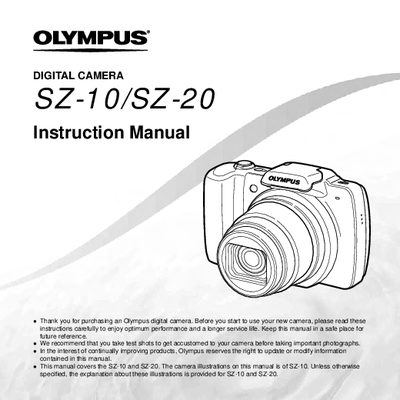
Olympus SZ-10/SZ-20 Digital Camera Instruction Manual
The document serves as a comprehensive instruction manual for the Olympus SZ-10 and SZ-20 digital cameras. It covers essential topics including names of parts, preparing the camera, basic operation, shooting modes, playback functions, editing tools, and printing options via PictBridge or DPOF.
Key features explained include the use of direct buttons, the wheel controller for navigation, various shooting setups like 3D and Panorama modes, and menu configurations for image quality and display. The guide also details how to format memory cards, adjust settings such as white balance and exposure compensation, and manage file protection.
Olympus SZ-20 specifications
| Effective pixels | 14,000,000 |
|---|---|
| Lens focal length | 5.0 – 90 mm, f/3.1 – f/4.4 |
| Weight (with battery & card) | 215 g |
All Olympus SZ-20 documents by type
Day-to-day operation, settings and troubleshooting. Start here if the product is already set up.
Questions answered in these manuals
Which camera models does this manual cover?
This manual covers the SZ-10 and SZ-20 digital cameras.
What accessories are included in the box?
The box includes a digital camera strap, lithium-ion rechargeable battery (L-508), USB cable, AV cable, USB-AC adapter, CD-ROM, and warranty card.
How do I prepare the camera before first use?
Follow the steps in the “准备照相机” section: check the accessories, insert the battery and memory card, and set the initial camera settings.
How can I print photos directly from the camera?
Use the direct PictBridge printing function described in the “直接打印(PictBridge)” section.