
Key facts
- Brand
- Olympus
- Model
- VH-210
- Category
- Digital cameras
- Industry
- Electronics
- Documents
- 2
- Languages
- EN
- Last added
- 2026-11-13
Start here
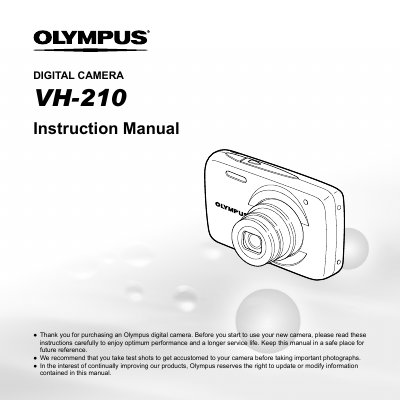
Olympus VH-210 Digital Camera User Manual
This document is the user manual for the Olympus VH-210 digital camera. It guides users through checking the contents of the box, attaching the camera strap, and understanding the names of parts on the camera body and lens. The manual explains how to use direct buttons for frequently used functions and how to navigate the camera's menu system for shooting and playback modes.
Read onlineOlympus VH-210 specifications
| Effective pixels | 14,000,000 pixels |
|---|---|
| Image pickup device | 1/2.3" CCD |
| Lens focal length | 4.7 to 23.5 mm |
| Monitor size | 3.0" TFT color LCD |
| Battery type | LI-42B |
All Olympus VH-210 documents by type
Day-to-day operation, settings and troubleshooting. Start here if the product is already set up.
Questions answered in these manuals
What is the battery life of the LI-42B battery?
The battery life is approximately 300 full charges, though this varies on usage.
What is the operating temperature range for the camera?
The camera operates between 0 °C to 40 °C (32 °F to 104 °F).
What is included in the camera box?
The box contains a digital camera, strap, battery (LI-42B), USB cable, AV cable, and setup CD-ROM.
How do I switch between shooting and playback modes?
Press the button with the symbol to switch between shooting and playback.