
This document is a user guide that provides instructions and safety precautions for using the CS High Definition Digital Hard Disk Camcorder.
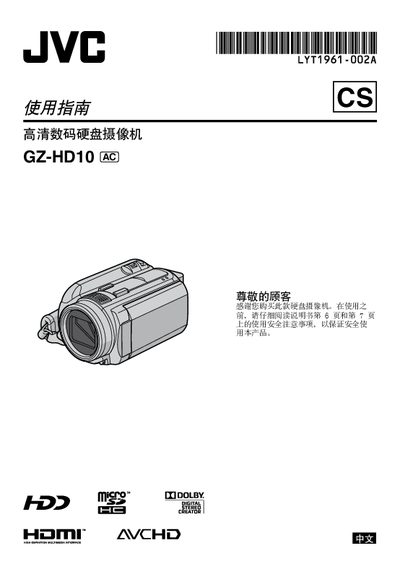
This manual covers the essential setup and safe use of the JVC GZ‑HD10 high‑definition digital camcorder. It explains how to charge the JVC battery, set date and time, adjust language, and configure recording modes. Detailed sections guide you through video and still image recording, playback, file management, and connecting the camcorder to a TV.
Additional chapters describe backup procedures, troubleshooting tips, and the full technical specifications of the device, including power requirements, dimensions, lens details, and supported video/audio formats. This manual is written in Chinese.
| Power (adapter) | DC 11 V |
|---|---|
| Power consumption | ≈ 4.8 W |
| Dimensions (W×H×D) | 71 mm × 68 mm × 123 mm |
| Weight (without battery) | ≈ 430 g |
| Weight (with battery) | ≈ 475 g |
| Recording format | AVCHD (MPEG‑4 AVC/H.264) |
| Video resolution | 1080/50i |
| Lens focal length | 3.2 mm – 32 mm (10:1 zoom) |
| Audio format | Dolby Digital (2‑ch) |
| HDMI output | HDMI 1.3 compatible |
The camcorder records video in the AVCHD format (MPEG‑4 AVC/H.264).
The adapter works with AC 110 V to 240 V, 50/60 Hz and outputs DC 11 V at 1 A.